
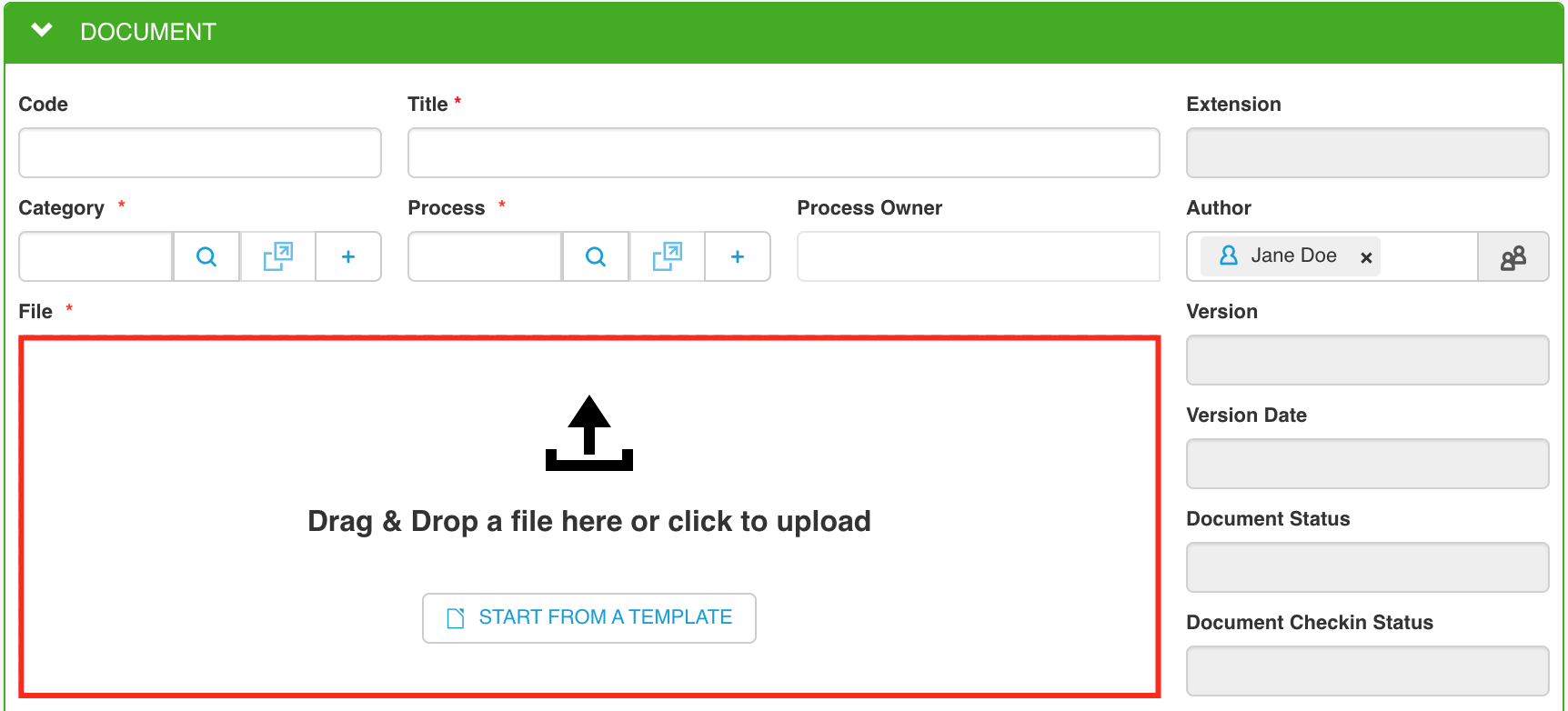
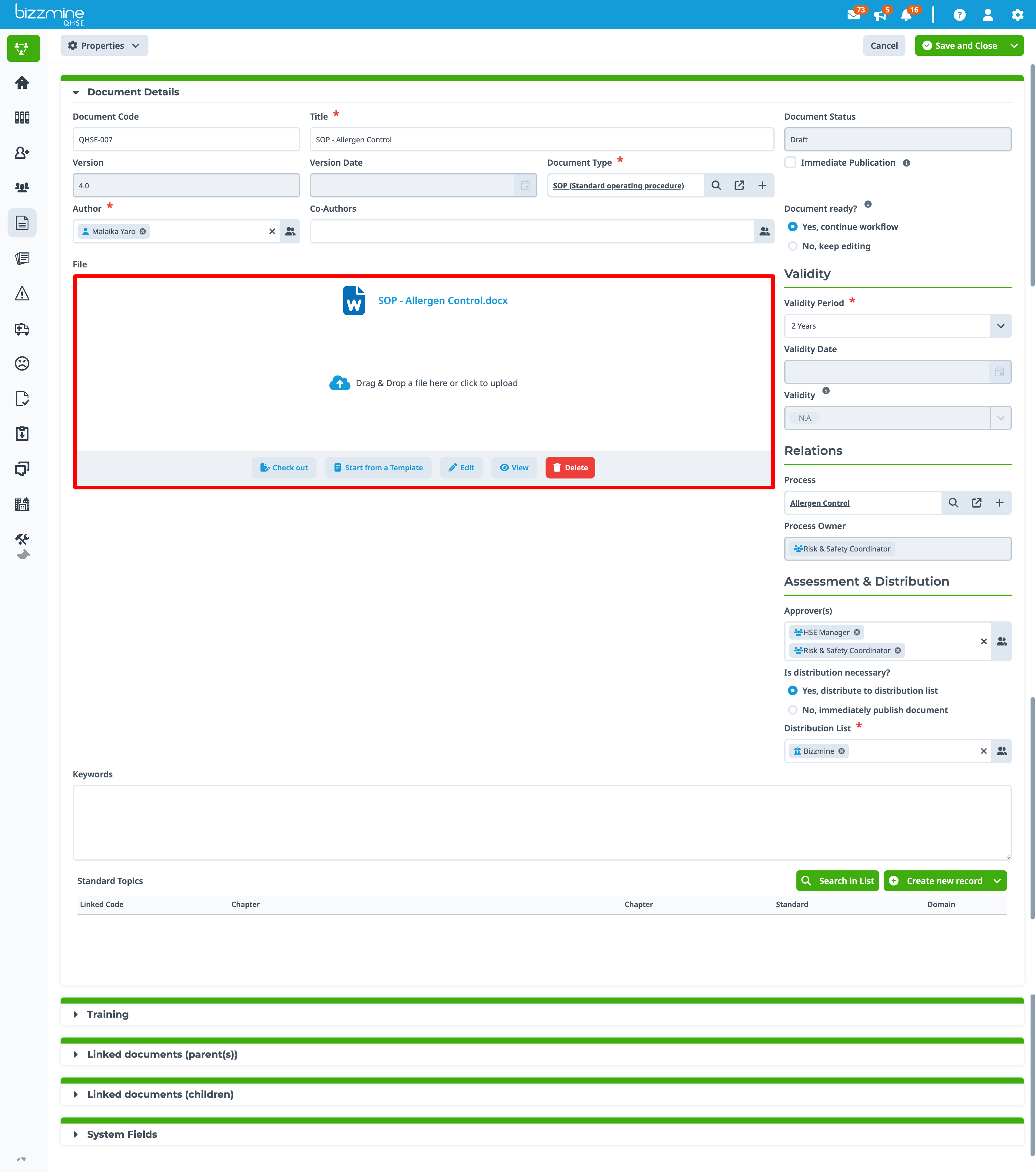
The file field in Bizzmine isn't a data field you can just choose in the data design part. It belongs to one of the system fields of a document collection. This field is used to allow a file upload, or in case of using this in the context of Document Control and you use document templates, you'll see that the file field will also allow you to start from a template. There are no limitations on the extension that can be uploaded. There is a limitation on the file size though, the default is a maximum of 100.00 MB per file.
Legacy layout:
Renewed layout (as from version 42.0)
For a file field where pdf preview is enabled, the file preview has an option to request the comparison in the file content between ‘current version’ and ‘previous version’.This can be:

New added text will be shown in green, while deleted info will be indicated in red.
